
My First Time Going Live
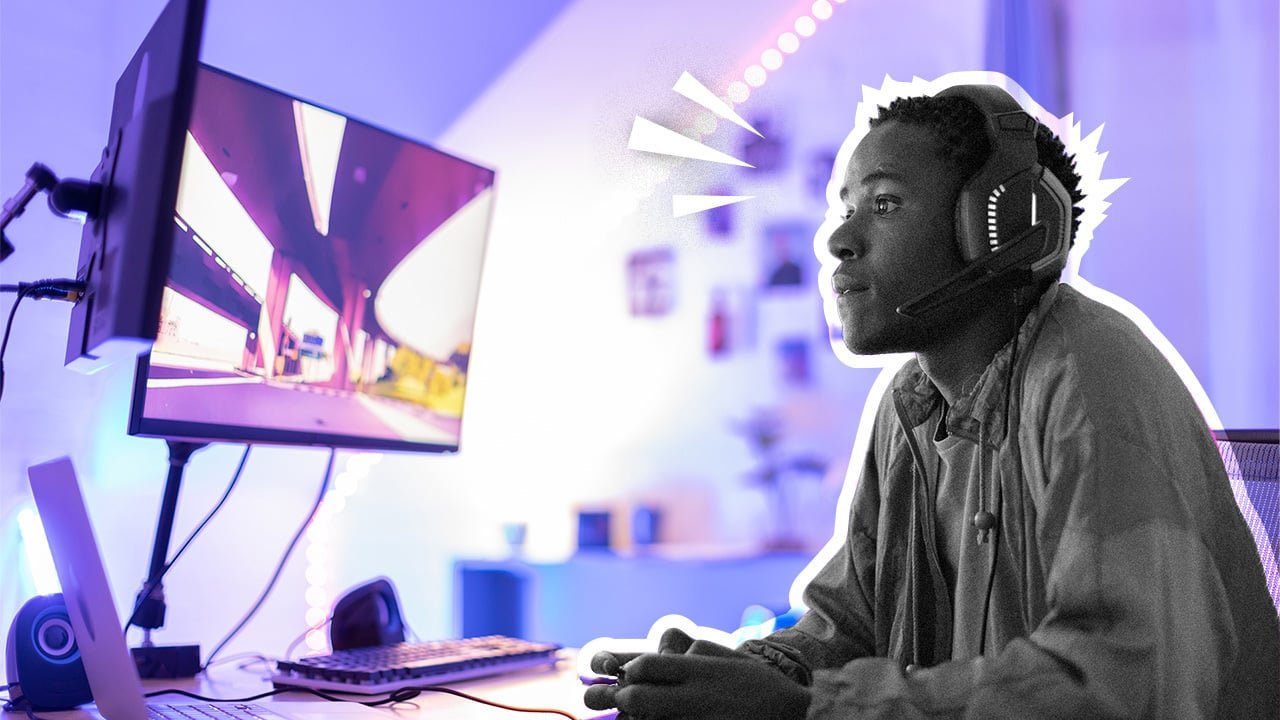
When I clicked “Go Live” for the first time, I had no idea what I was doing. My voice echoed through my headset, my camera angle was off, and the chat stayed empty for the first ten minutes. Still, I’ll never forget that rush of excitement. That was the moment I truly learned how to stream games — not from a tutorial, but from real experience.
Looking Back at My Streaming Journey
A year later, I can look back and laugh. My stream was far from perfect, but it was the start of something I now love doing. If you’re thinking about streaming but don’t know where to start, I’ve been there. You don’t need expensive gear or a massive audience. What you really need is curiosity, patience, and a bit of courage to go live.
Starting with Free Tools Like OBS
When I first learned how to stream games, I used free software called OBS Studio. It’s simple once you get used to it. All you need to do is add your game, webcam, and microphone, then test your settings. If you’re worried about performance, start small — 720p and 30 frames per second is fine for beginners. The goal isn’t perfection; it’s connection.
Audio Matters More Than Fancy Gear
Over time, I discovered that good audio matters more than a high-end camera. People can forgive low video quality, but they’ll leave instantly if they can’t hear you clearly. I bought a cheap USB microphone, and it changed everything. Suddenly, I sounded confident — even when I wasn’t.
I also realized how lighting can set the mood. Just adding a small desk lamp behind my monitor made my setup look 10× better.
Be Authentic — Not Perfect
Streaming isn’t only about technology. It’s about energy and authenticity. Viewers can tell when you’re forcing it, and they can tell when you’re being yourself. I started treating my streams like hanging out with friends — even when only two people were watching. I’d tell stories, laugh at my mistakes, and always greet new names in the chat. Those little moments build a loyal community.
The Best Advice I’ve Ever Received
One of the best pieces of advice I ever got came from another creator on Twitch’s Creator Camp. They said:
“Don’t stream to impress people — stream to connect with them.”
That stuck with me. The more I relaxed, the more people stayed. Consistency helped too. I picked two evenings each week and stuck with that schedule no matter what. Soon, I started recognizing regular viewers, and that’s when I knew I was doing something right.
My Beginner Tips for New Streamers
If you want to start today, here’s what I’d tell you:
- Use OBS Studio or Streamlabs — both are free and reliable.
- Set your bitrate lower than you think (it prevents lag).
- Keep your mic close, your voice natural, and your chat open.
- Stream games you enjoy, not just what’s trending.
- Join communities — growth is easier when you connect with others.
Final Thoughts: Just Hit “Go Live”
Streaming is a journey. It’s awkward at first, but that’s okay. Every streamer you admire started with one viewer, one shaky setup, and one awkward “hello.” Keep learning, keep improving, and keep showing up.
If you want a full gear breakdown, check out my post on Affordable Streamer Setups Under $200 — it’s a good place to start if you’re upgrading your tools. For more inspiration, visit Twitch Creator Camp or the YouTube Gaming Help Center for great beginner resources.
Learning how to stream games isn’t about mastering the tech — it’s about discovering your voice. Don’t wait until you’re “ready.” Hit that button, go live, and make your first mistake proudly. That’s how it begins for everyone.
More Info on Youtube,
How to Stream with OBS Studio for Beginners (Gaming Careers)