
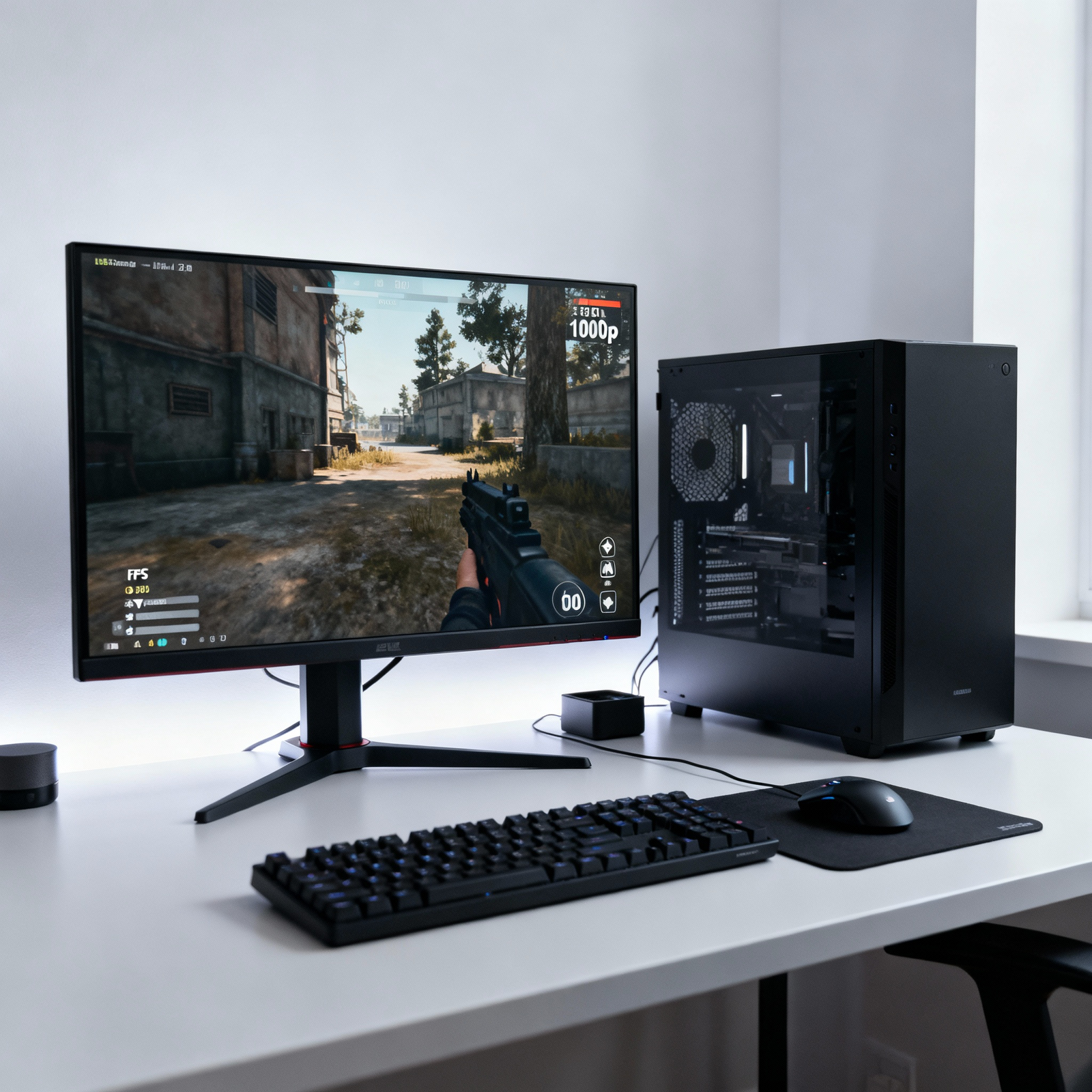
1080p on a $500 PC: clear targets, realistic expectations, and a repeatable settings process
Introduction
Can a $500 PC run new AAA games at 1080p? In many cases, yes—with careful component choices, balanced presets, and the right upscaling mode. This guide shares practical settings, realistic fps targets, and a repeatable tuning workflow for consistent results.
Who this is for
- Budget builders targeting 1080p playability and smooth 1% lows.
- Upgraders squeezing more from current hardware with smarter presets.
- Advisors writing build guides or optimizing client rigs.
Typical $500 builds
- CPU/GPU: Entry‑level dGPU (e.g., RX 6600 class) paired with a mid budget CPU is the sweet spot for 1080p.
- Memory/storage: 16 GB RAM and SSD storage prevent stutter and improve load times.
- Expectation: 60+ fps in optimized titles on Medium, and 45–60 fps in heavy releases with upscaling and reduced effects.
The quick answer: target presets
- Balanced 1080p: Medium preset, textures High if VRAM allows, upscaling Quality; ray tracing off.
- Performance 1080p: Low–Medium hybrid, upscaling Balanced/Performance, reduced shadows/volumetrics.
- High‑texture mode: Medium core settings, textures High/Ultra only if VRAM headroom exists; keep RT off.
Core settings to change first
- Turn off ray tracing; reduce shadows, volumetric fog, SSAO/SSGI, and screen‑space reflections.
- Use DLSS/FSR/XeSS: start with Quality; drop to Balanced for heavier scenes.
- Lock to 60 fps if frame pacing is unstable; use in‑game caps or driver tools.
- Watch VRAM: if stutter appears during traversal or big fights, drop texture resolution one notch.
Upscaling guide (DLSS/FSR/XeSS)
- Quality mode preserves detail best; Balanced offers a noticeable fps bump with acceptable softness.
- Prefer DLSS when available on NVIDIA; FSR 2/3 is broadly compatible; XeSS often lands between the two.
- Use in combination with TAA/TAAU for stable edges; adjust sharpening to taste.
VRAM and texture strategy
- Check in‑game VRAM meters; leave ~10–15% headroom where possible.
- If hitching during streaming, reduce texture size and anisotropic filtering one step.
- Heavy open‑worlds benefit from lower crowd density and ambient traffic settings.
Title‑by‑title tuning workflow
- Start at Medium preset, 1080p, RT off.
- Enable upscaling Quality; test a dense scene; note average and 1% lows.
- If 1% lows dip under 45, reduce shadows and volumetrics; then lower AO and SSR.
- Only then drop geometry and foliage; reserve texture changes for VRAM limits.
Stability and latency tips
- Cap fps slightly under your average to smooth frame pacing.
- Prefer Fullscreen Exclusive for consistent input latency.
- Keep background apps closed; enable hardware‑accelerated GPU scheduling if available.
Realistic performance targets
- Optimized/older AAA: 60–90 fps at 1080p Medium with upscaling Quality.
- New, demanding AAA: 50–70 fps at 1080p Low–Medium with upscaling Balanced; RT off.
- Esports titles: often 90–150+ fps at 1080p using Performance presets.
Upgrade paths that matter
- GPU first: a tier‑up GPU has the largest impact at 1080p.
- Add RAM only if under 16 GB; increase SSD capacity for faster loads and space for modern games.
- Later, consider CPU/motherboard if targeting high‑refresh esports or heavy simulation titles.
Common mistakes to avoid
- Enabling ray tracing on entry‑level GPUs.
- Running Ultra textures beyond VRAM limits “because it looks better.”
- Ignoring 1% lows when chasing higher averages.
FAQs
- Is 1440p possible? Yes, with aggressive upscaling and Low presets in lighter games, but 1080p offers the best balance.
- Controller vs mouse? Input method won’t change fps; frame pacing and 1% lows impact feel more.
- Windows/game mode tweaks? Use Game Mode and hardware‑accelerated GPU scheduling; avoid intrusive overlays.
Conclusion
A $500 gaming PC can deliver enjoyable 1080p gaming in many new AAA titles when configured wisely. Use Medium‑leaning presets, disable RT, enable upscaling, and prioritize stable 1% lows for a smooth experience.
SEO checklist
- Primary keyword in H1: “Can a $500 PC Run New AAA Games? Best Settings”
- Include long‑tails in intro and subheads: “budget gaming PC settings 2025,” “upscaling for budget GPUs,” “1080p presets.”
- Meta description under ~155 characters with benefit and keywords.
- Descriptive alt text: “1080p before/after fps with Medium preset and FSR Quality on $500 PC.”
- Internal links: your budget build roundups and settings guides; external links: reputable benchmark explainer pages.
- Compress images; use WebP where possible; lazy‑load below‑the‑fold visuals.
Snippet‑ready meta description
Can a $500 PC play new AAA games at 1080p? Use these proven presets, VRAM‑smart tweaks, and DLSS/FSR tips to hit smooth, stable fps on a budget.
Social caption
Budget gaming reality check: yes, a $500 PC can run many AAAs at 1080p. Here are the best presets and upscaling tricks to keep frames smooth.
- https://www.youtube.com/watch?v=WyxLun2H_Cc
- https://www.twoaveragegamers.com/i-built-a-500-gaming-pc-so-you-dont-have-to/
- https://www.techsadhika.com/2025/10/we-tested-impossible-500-gaming-pcheres.html
- https://pcbuilds.gg/us/build/500-gaming-pc
- https://www.youtube.com/watch?v=DzL4G2mMV3o
- https://www.youtube.com/watch?v=-pMeYPNaptk
- https://www.reddit.com/r/buildapcforme/comments/1dt40hl/need_a_new_budget_gaming_pc_1080p_60fps_on_aaa/
- https://pcbuildmaster.com/9-best-prebuilt-budget-gaming-pcs-under-500-in-2025.html
- https://www.reddit.com/r/pcmasterrace/comments/1ohks04/aaa_gaming_in_2025/
- https://www.youtube.com/watch?v=Kr-SrRxNWtU